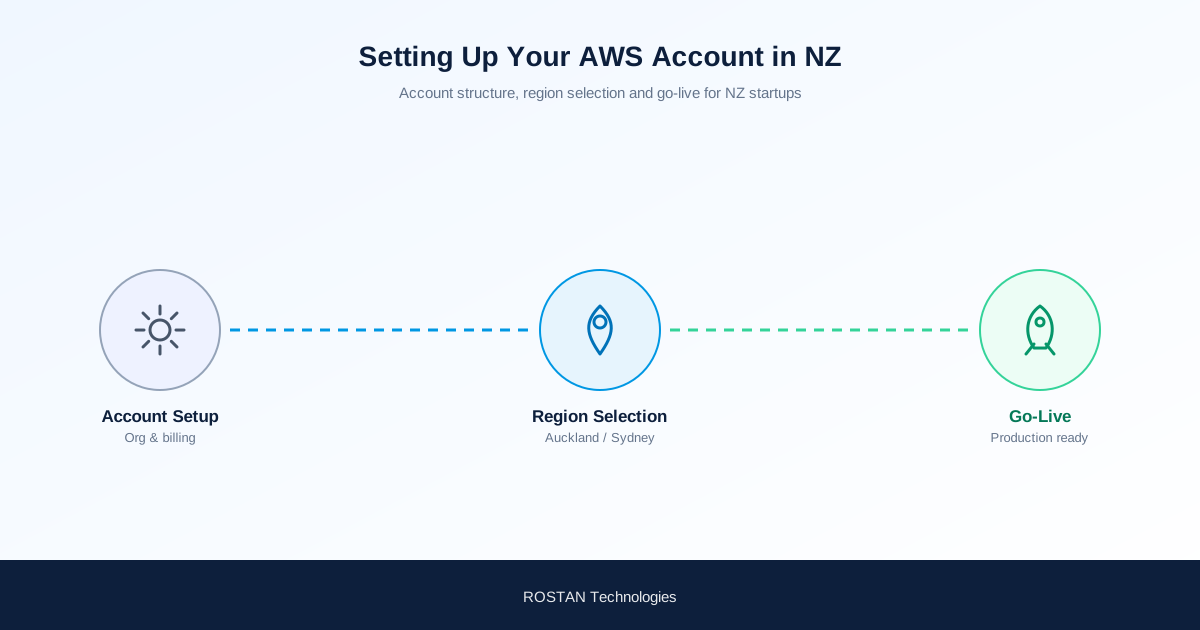
Setting Up AWS for a New Zealand Startup: Region, Account and Data Residency
With the Auckland Region now live, a New Zealand startup can build entirely onshore from day one. Here is a practical, right-order setup — the parts founders most often get wrong first.
Since the AWS Asia Pacific (New Zealand) Region opened in Auckland, Kiwi startups no longer have to choose between AWS and keeping data onshore. But a good foundation is about more than picking a Region — a few early decisions on account security and cost control save real pain later. Here is the order that works.
1. Create the AWS account the right way
Use a company email you control (ideally a shared alias, not one person's inbox) as the root account email, and set accurate billing details. This account becomes the root of everything, so treat it as critical infrastructure from the first login.
2. Secure it before you build anything
- Turn on MFA for the root user immediately.
- Create an IAM admin user for day-to-day work and stop using the root account except for the rare tasks that require it.
- Apply least-privilege as your team grows — give each person only the access they need.
These are the security basics of the AWS Well-Architected Framework, and they are far cheaper to do now than to retrofit after an incident.
3. Choose the Auckland Region — with one check
For a New Zealand startup, the AWS Asia Pacific (New Zealand) Region (ap-southeast-6) in Auckland is the natural home: onshore data, low latency for local users. The one thing to verify first is service availability — a newer Region adds services over time, so confirm the specific AWS services your product needs are live in Auckland. If one is not yet there, the Sydney Region is a close, low-latency fallback for that workload.
4. Keep data onshore for the Privacy Act 2020
Building in Auckland lets you keep customer data in New Zealand, which supports obligations under the Privacy Act 2020 and turns "where is our data hosted?" from a sales blocker into a selling point — especially with government, health and financial-services buyers.
5. Apply for AWS Activate credits before you scale spend
Do this early. Through an AWS Activate Provider, qualifying New Zealand startups can access up to US$100,000 in credits — far better applied to your first year of build than discovered after you have already paid for it.
6. Set a budget alarm on day one
Create an AWS Budgets alert so an unexpected cost spike reaches you by email before it reaches your card. Bill shock is the most common early-startup AWS mistake, and it is entirely avoidable.
New Zealand startup? ROSTAN is an AWS Activate Provider — we help Kiwi founders stand up a secure, onshore AWS account and apply for up to US$100,000 in credits, remotely and in your hours. See our AWS startup credits page for New Zealand and our explainer on what the Auckland Region means for startups.
Setting up AWS for your New Zealand startup?
We will help you build a secure, onshore Auckland-Region foundation and apply for AWS Activate credits — remotely, in your timezone.
Explore AWS Credits for New Zealand